
Retro TV channel builder
Build a retro TV channel that feels like the real thing
Era-inspired looks, a proper programme guide, after-school line-ups and seasonal touches, all made from your own videos and played on Android TV.
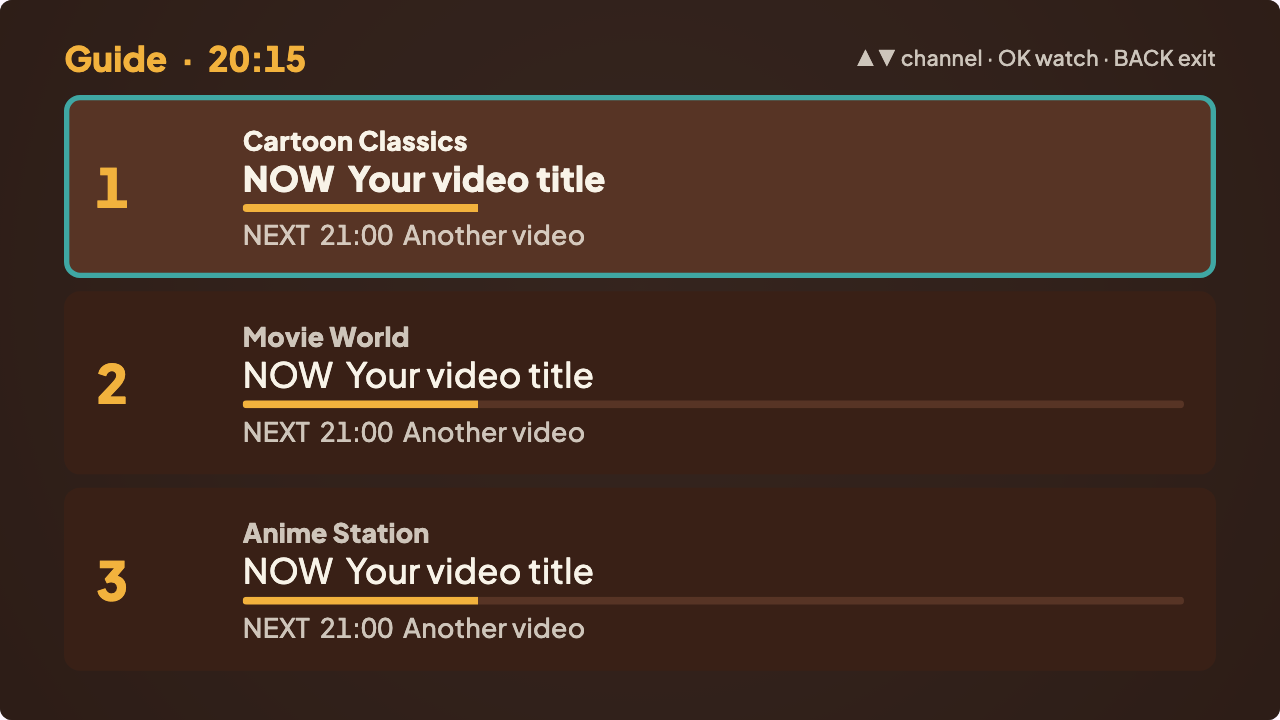
The feeling of TV that was already on
Retro TV is more than old videos. It is a line-up that changes through the day, a guide that tells you what's next, a holding screen between shows, and the sense that the channel carries on without you. Vintelly brings those parts back, using videos you own.
It doesn't include any shows and isn't connected with any TV channel; you build the channel from your own library.
What you can do
Look
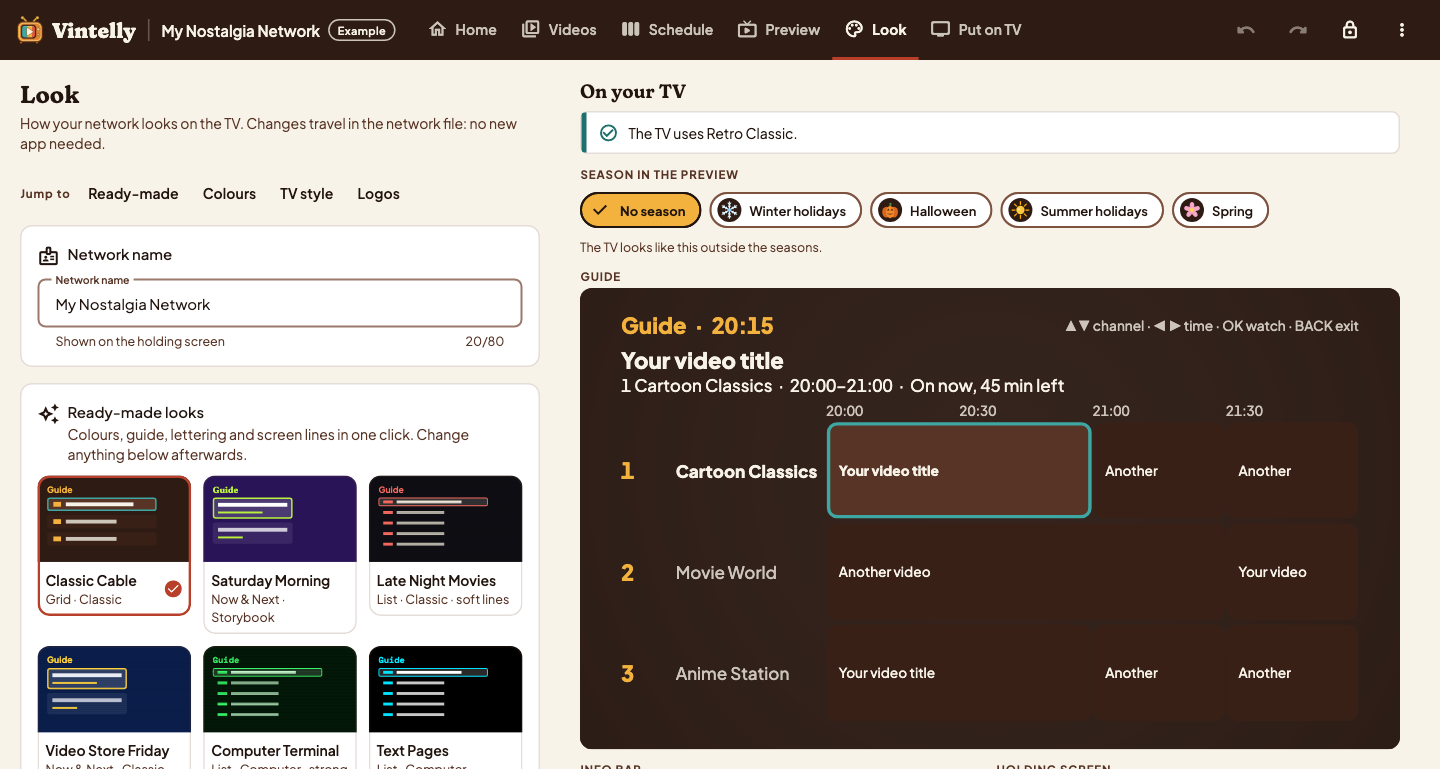
Choose an era-inspired look
- 16 colour looks inspired by TV eras, or your own colours
- TV lettering and optional screen lines
- Seasonal touches for holidays, Halloween, summer and spring
Time Machine
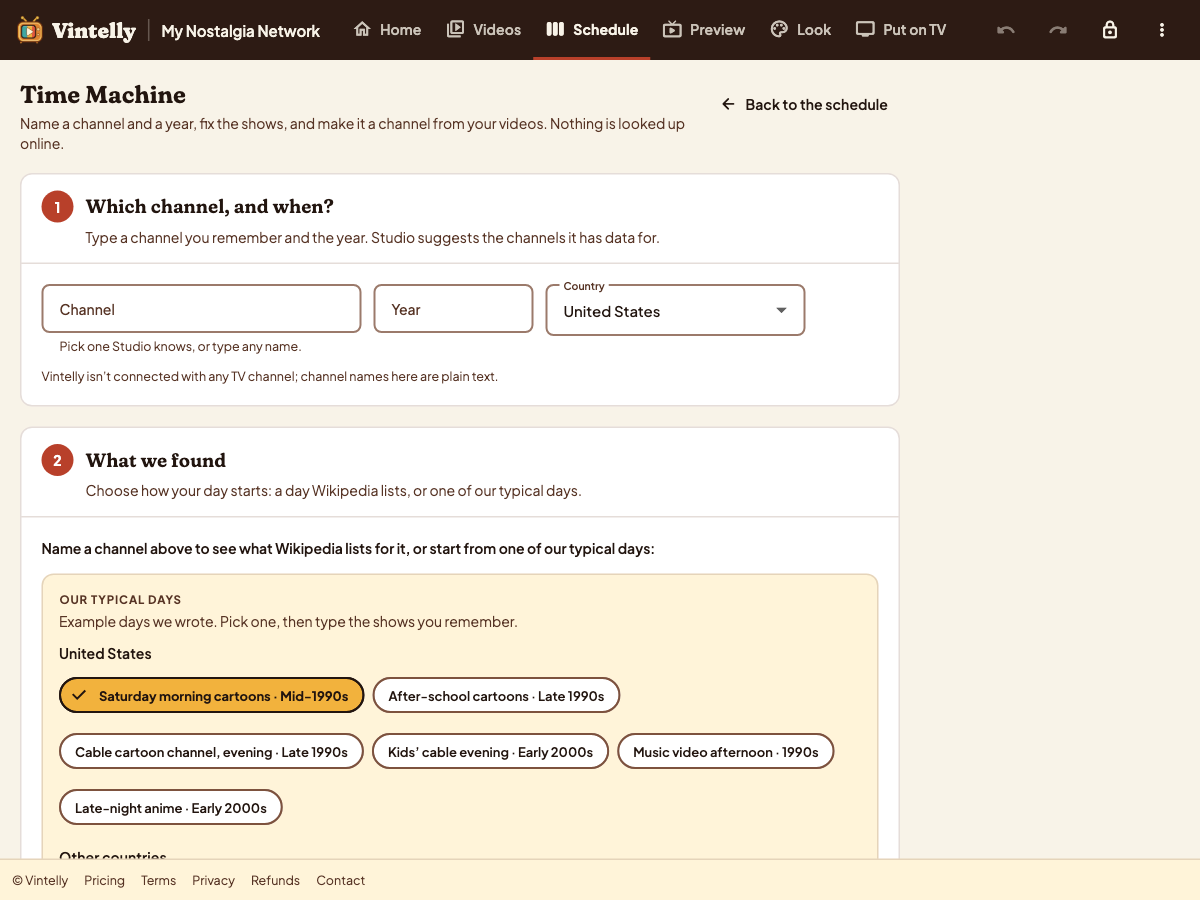
Start from a day you remember
- Name a channel and a year
- See what was on, with each source labelled
- Turn the day into a channel from your videos
On your TV
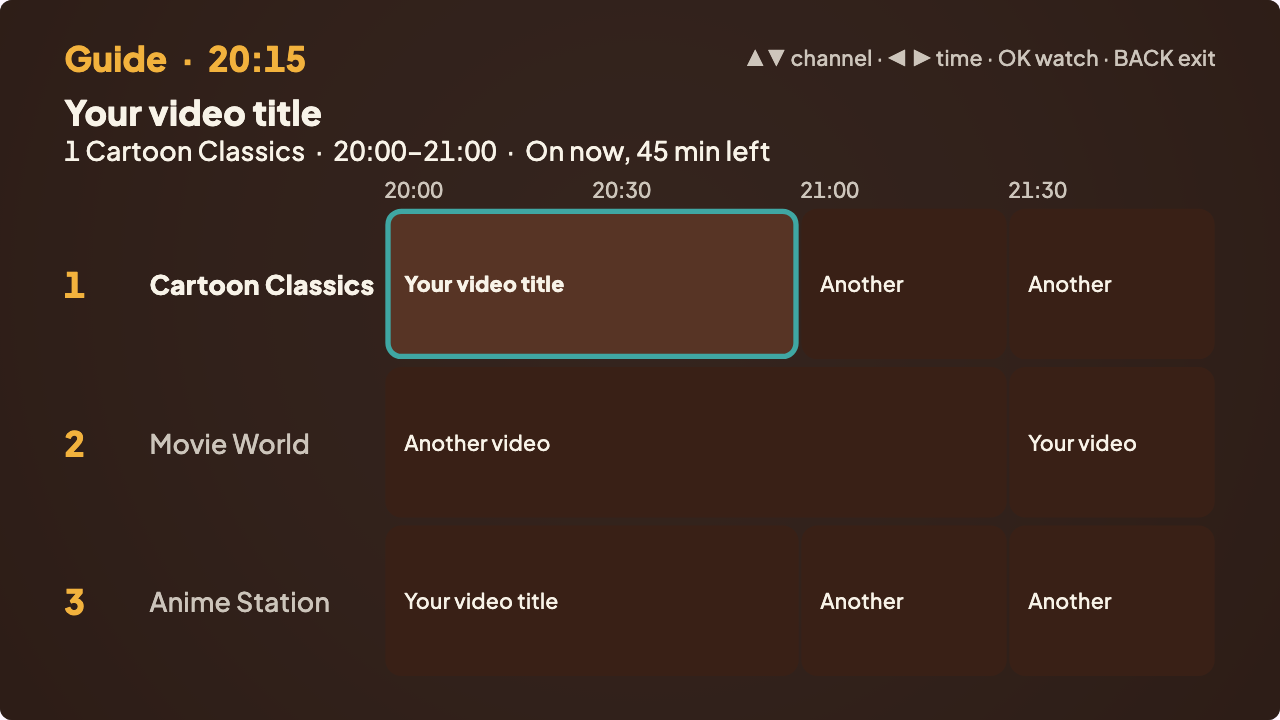
A guide that looks the part
- Grid, Now & Next or List style
- A holding screen in your network’s look
- Episodes carry on day by day, like a real run
Four steps
Plan
Make channels and a weekly schedule in the Studio, in Chrome or Edge.
Copy
Put your videos and two small schedule files on a USB drive.
Plug in
Install the app on your Android TV or Google TV and choose the drive.
Watch
Switch on: your channels are already playing, with a guide.
Questions
Does it come with old shows or cartoons?
No. Vintelly supplies no programmes. You schedule videos you have the right to use, such as your own recordings and files you bought without copy protection.
Can I copy a real channel’s logo or look?
Looks use generic names and colours, never a real channel’s branding. Time Machine information is labelled by source, and channel names are only notes that describe what you remember.
Can I add adverts or idents between shows?
Yes, if you own them: pick a collection of short videos to play between shows, or show a holding screen instead.
Read more
Recreate a day of TV you remember
From a channel and a year to a working channel made of your own videos.
How to build a weekly TV schedule with programming blocks
Blocks, start times, episode order and special dates, step by step.
How TV-style scheduling works
Real time, joining in progress, and why the TV and the Studio always agree.
Check your TV first
Your retro channel plays on Android TV and Google TV. See what we are testing.