
How Vintelly works
Four steps from a folder of videos to channels on your TV. Your videos never leave your own devices.
The four steps
Step 1
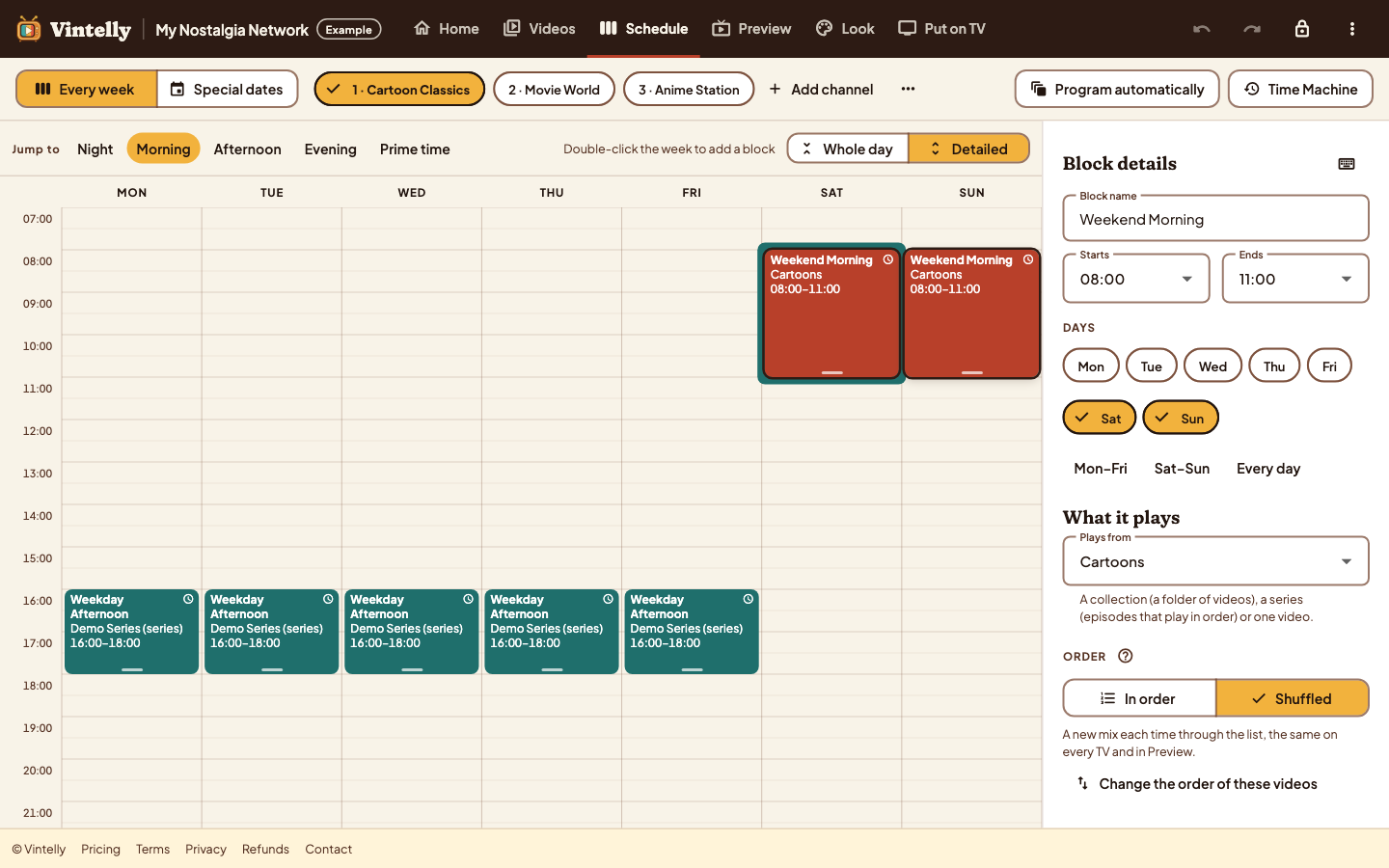
Plan your network in the browser
- Name your network and add channels
- Arrange each channel’s week, or let the Studio program it for you
- The Studio reads your files on your computer to learn their length; nothing is uploaded
Step 2
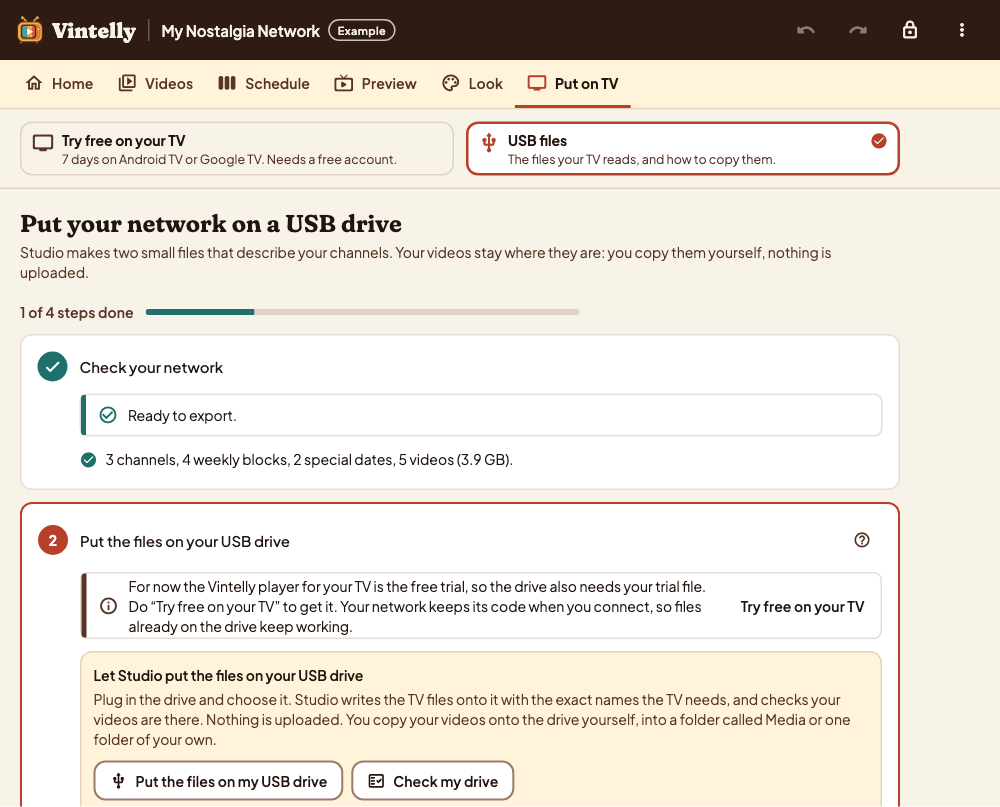
Copy everything to a USB drive
- The Studio makes two small files that describe your channels
- Copy them and a Media folder with your videos to the top of the drive
- Or let the Studio write the files to the drive and check your videos are there
Step 3
Install the app on your Android TV
- Install the Vintelly player on your TV or streaming device
- Plug in the drive and choose it once
- The app checks every file and tells you if anything is missing
What you need
- A computer with Chrome or Edge, for the Studio
- Your videos, in a folder on that computer
- A USB drive big enough for the videos you schedule
- An Android TV or Google TV device we have tested, with a free USB port
Wi-Fi only for installing the app. Which devices?
Step 4
Switch on and watch
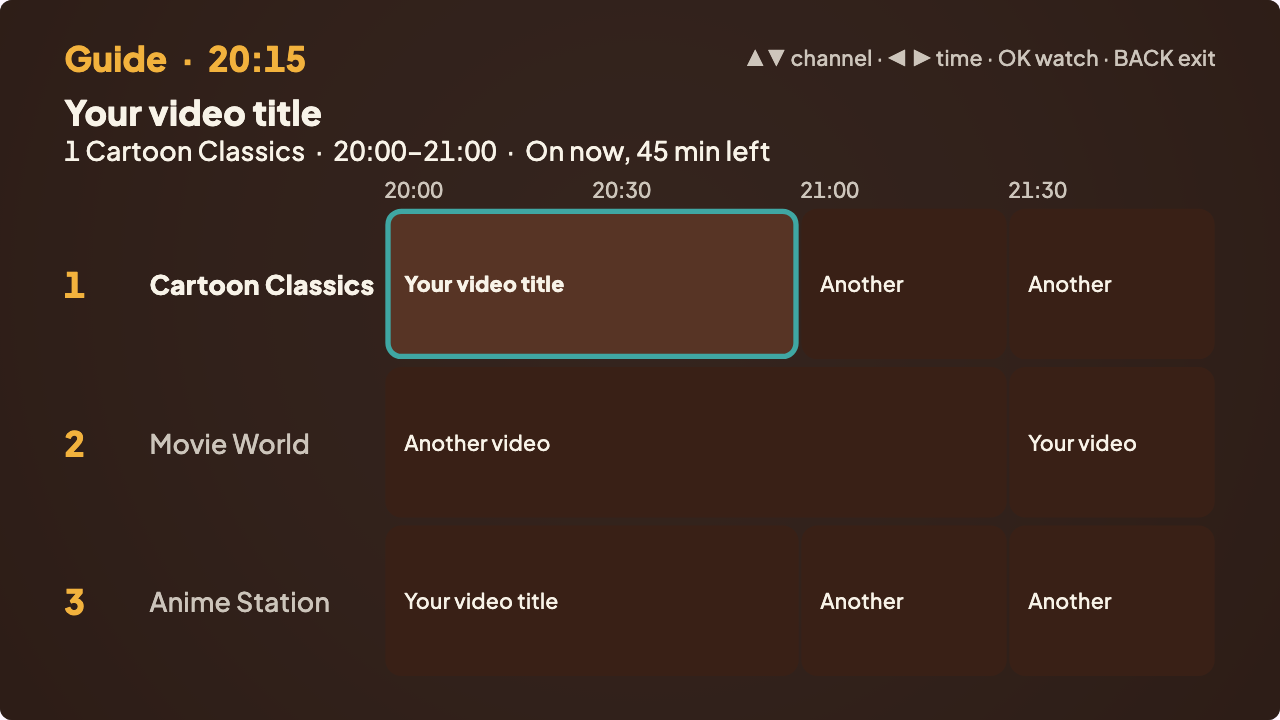
- Your channels play on the real clock, with a programme guide
- Tune in late and you join the programme in progress
- To change the schedule later, copy a new schedule file to the drive; no new app needed
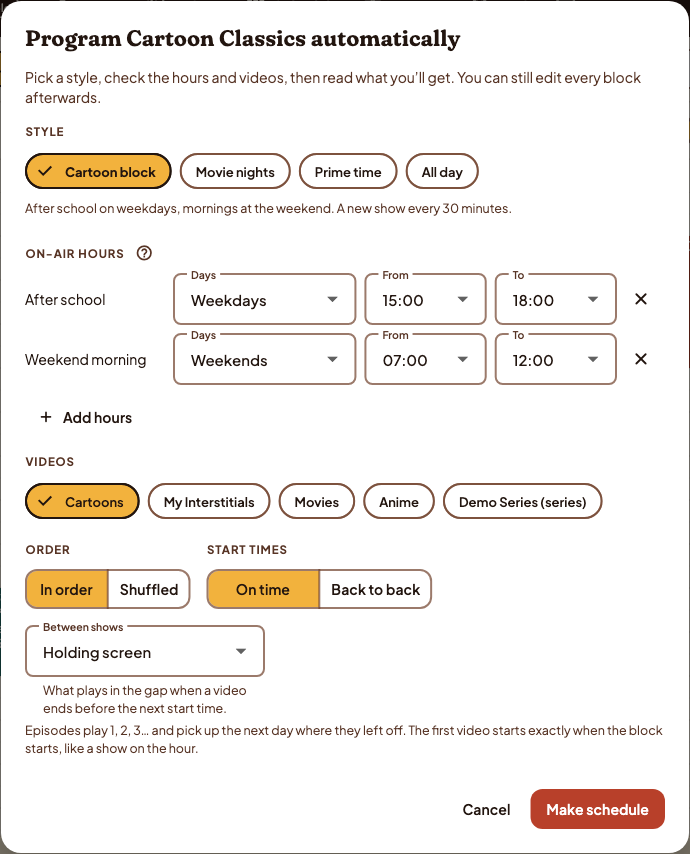
Let the Studio do the first draft
Program automatically fills a channel from a few choices. Read what you will get, then edit any block.
Make sure your TV can do it
We start with Android TV and Google TV, and list devices only after testing them on real hardware.