
Channels from your own files
Create a TV channel from your local videos
Turn a folder of videos on your computer into scheduled channels on your TV. Nothing is uploaded: the files go from your computer to a USB drive to your TV.
Your files stay yours
Most ways to watch a video library on a TV need the files on a server or in the cloud. Vintelly doesn't. The Studio reads your folder in your browser to learn each video's length, and you copy the files to a USB drive yourself. Vintelly never receives your videos.
Because the TV plays from the drive, watching needs no internet connection and no account check.
What you can do
Your library
Choose a folder, keep your files
- Common video files such as MP4, MKV, WebM and MOV
- Episodes grouped into shows you can correct
- Video lengths read on your computer
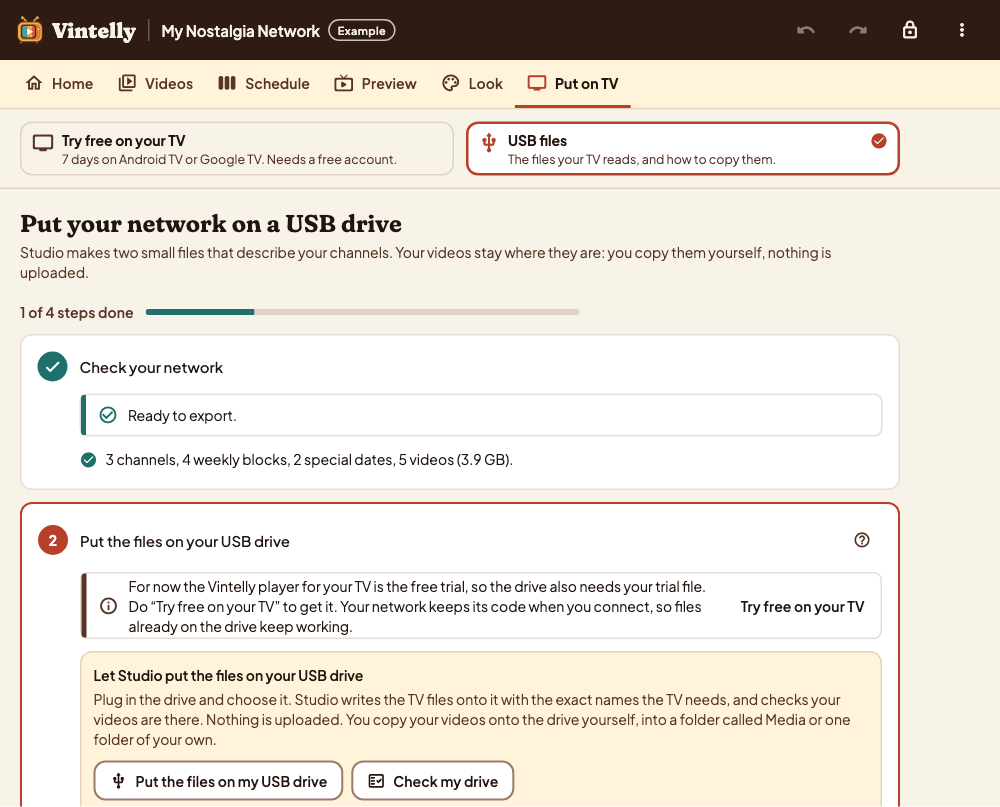
The drive
Two small files and your videos
- The Studio makes the schedule files
- It can write them to the drive and check your videos
- Copy a new schedule file whenever you change it
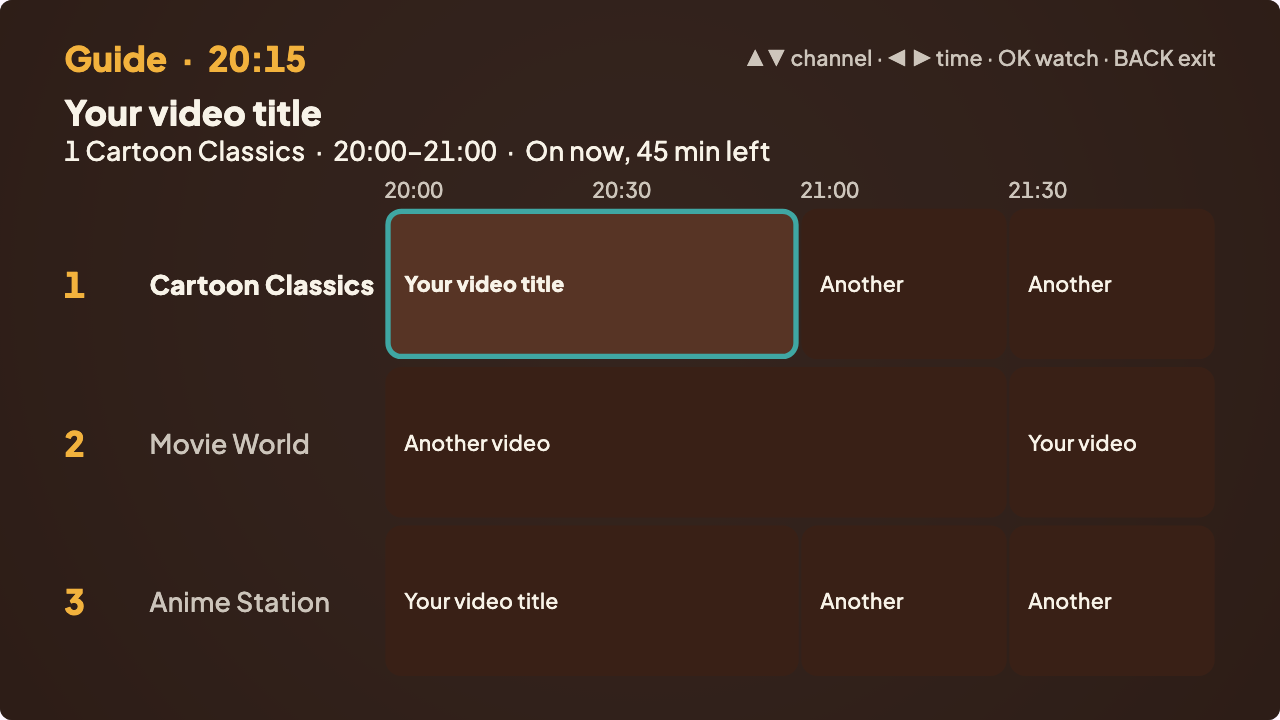
On your TV
Checked before it plays
- The app checks every file on the drive
- Missing videos are listed with the channels they affect
- Works offline from then on
Four steps
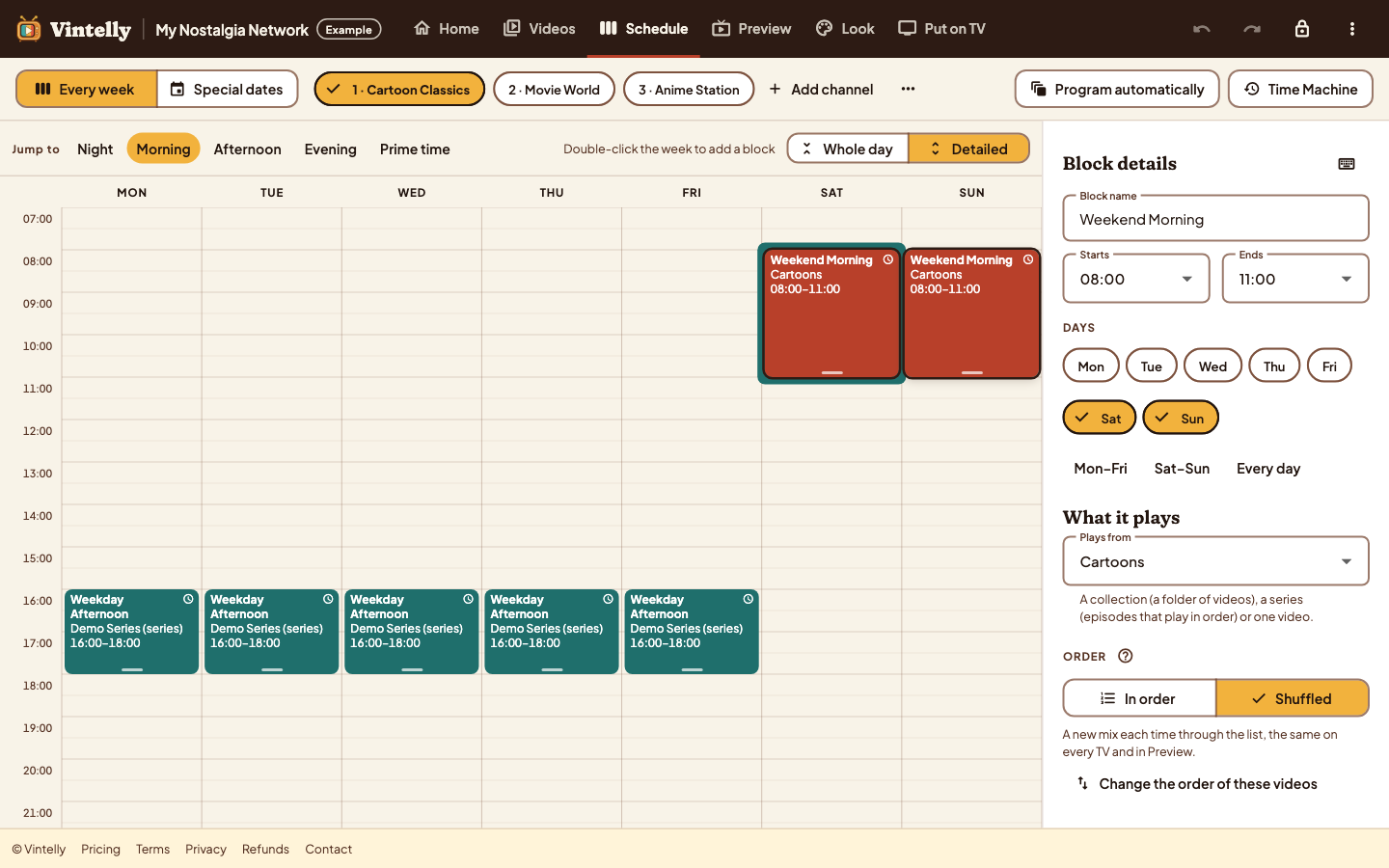
Plan
Make channels and a weekly schedule in the Studio, in Chrome or Edge.
Copy
Put your videos and two small schedule files on a USB drive.
Plug in
Install the app on your Android TV or Google TV and choose the drive.
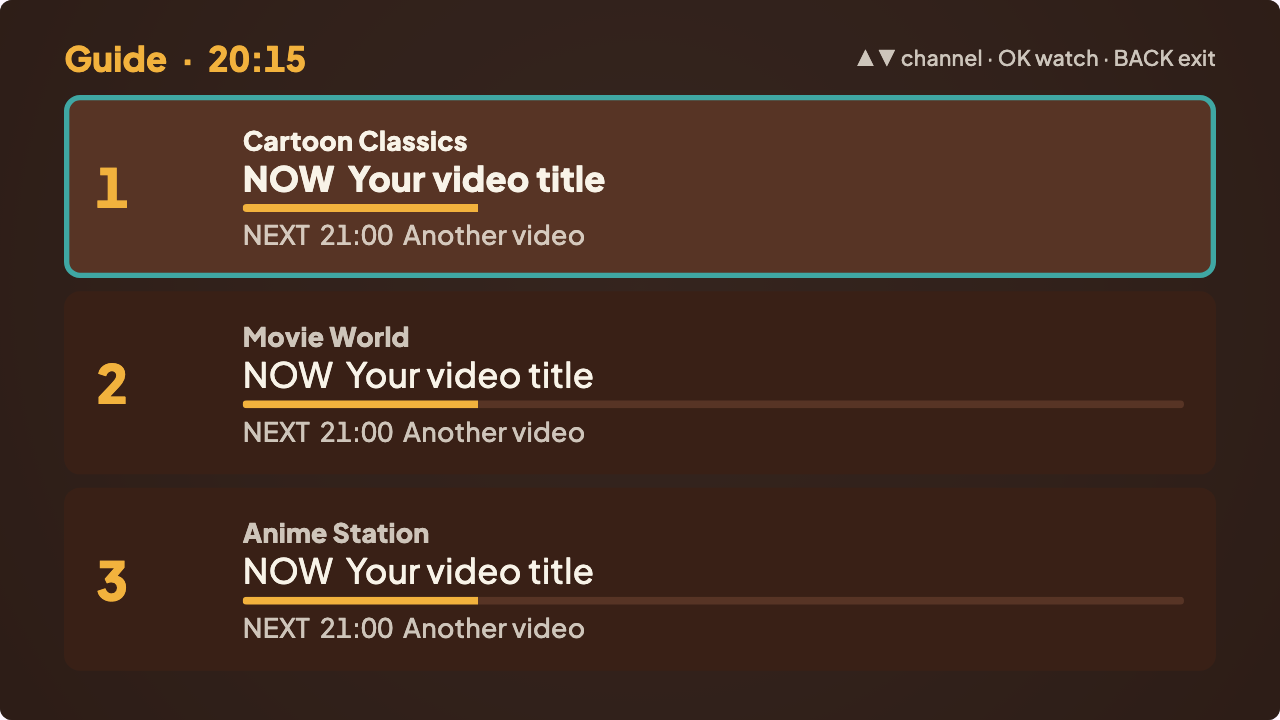
Watch
Switch on: your channels are already playing, with a guide.
Questions
Are my videos uploaded anywhere?
No. Vintelly never uploads, streams or stores your videos. Only you copy them, from your computer to your USB drive.
Will my video files play on the TV?
It depends on what your TV can decode. The app's About this TV screen lists the formats your device plays. See the USB guide.
What if I add more videos later?
Scan the folder again in the Studio, add the videos to your schedule, and copy them and the new schedule file to the drive. No new app is needed.
Read more
Play your own videos from a USB drive on Android TV
Lay out the drive, choose it once on the TV, and let it check every file.
A private TV channel from your own videos, compared with streaming
Scheduled channels and on-demand libraries do different jobs. Here is how.
How to build a weekly TV schedule with programming blocks
Blocks, start times, episode order and special dates, step by step.
Make sure your TV can do it
We start with Android TV and Google TV, and list devices only after real tests.